BTS Office Download

A free office suite for every student.

Write assignments, calculate marks, present projects and read PDFs. BTS Office opens and saves Word, Excel and PowerPoint files, so you can work with what your college sends you. No account, no ads, no fee.

Download for Windows

Windows 10 and 11, 64-bit

  • Updates itself in the background
  • Works offline once installed
  • Open source under GPL-3.0

Four apps, one download

Each one works the way you already know: a ribbon of tools across the top, your work in the middle, and familiar keyboard shortcuts.

D

BTS Docs

Essays, notes, letters, reports and resumes on real A4 pages.

  • Headings, styles, lists, tables, pictures and page breaks
  • Headers and footers with page numbers, table of contents, footnotes
  • Find and replace, word count, spell check and read aloud
  • Opens .docx, .odt, .txt and .md; saves .docx, PDF and more
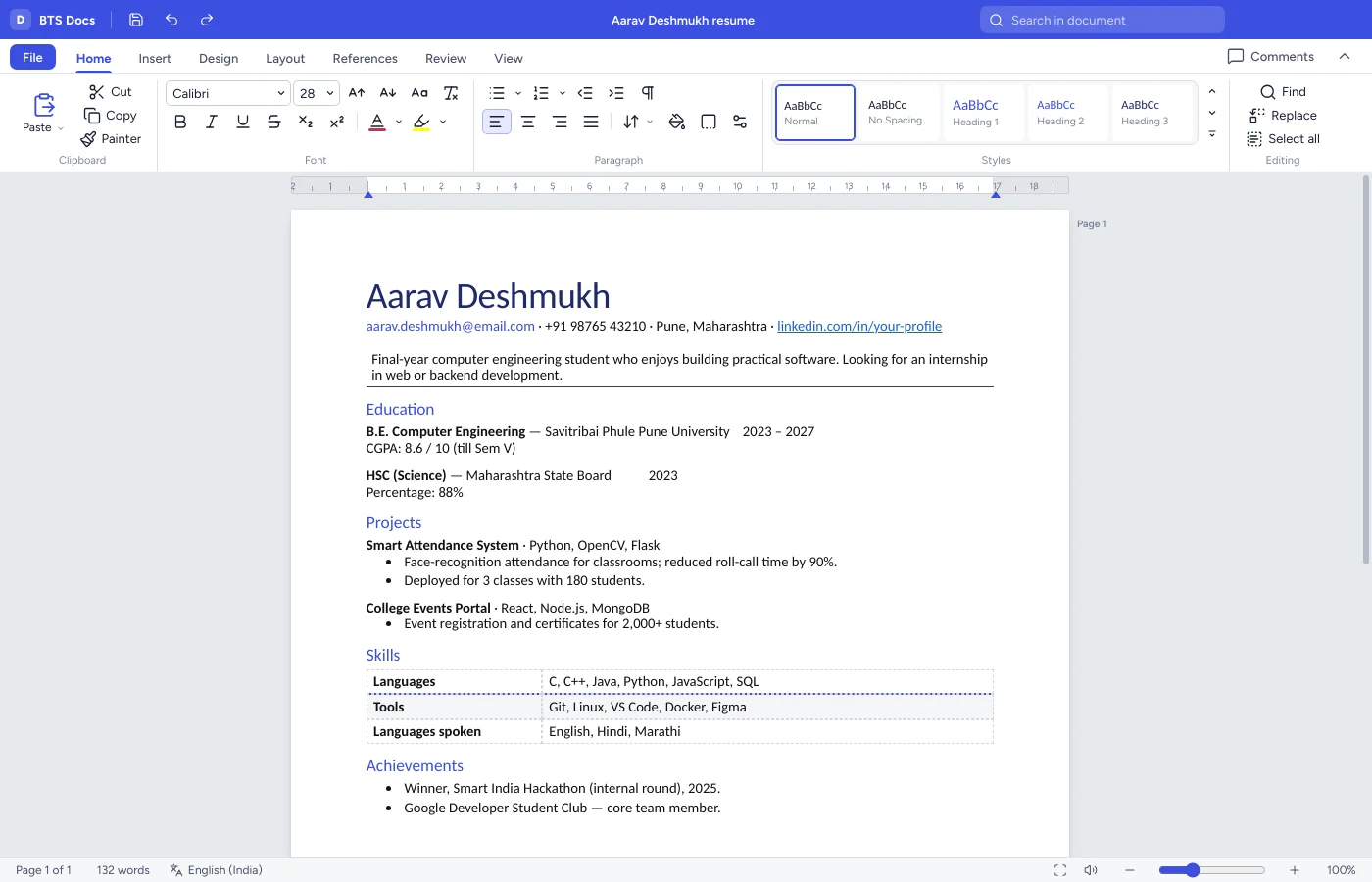
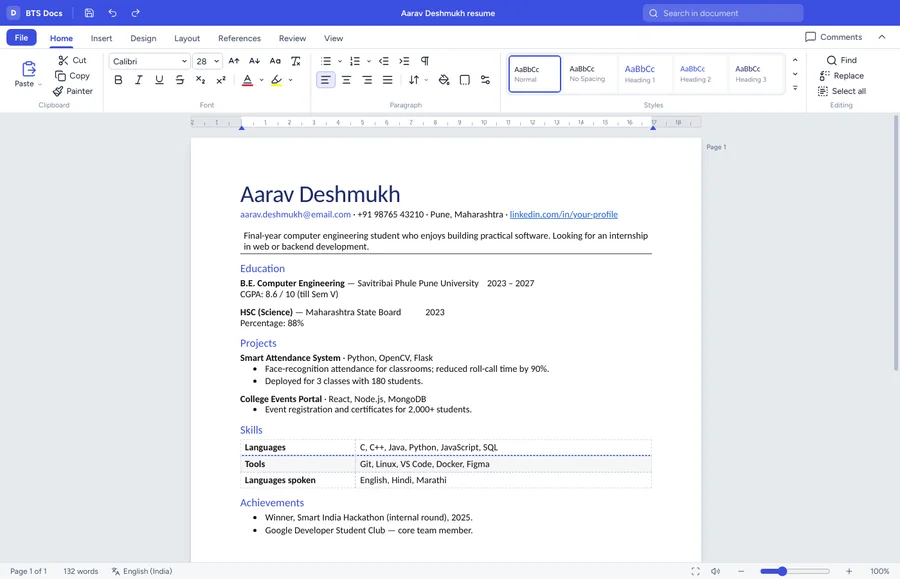
BTS Docs editing a resume with the Home ribbon open
S

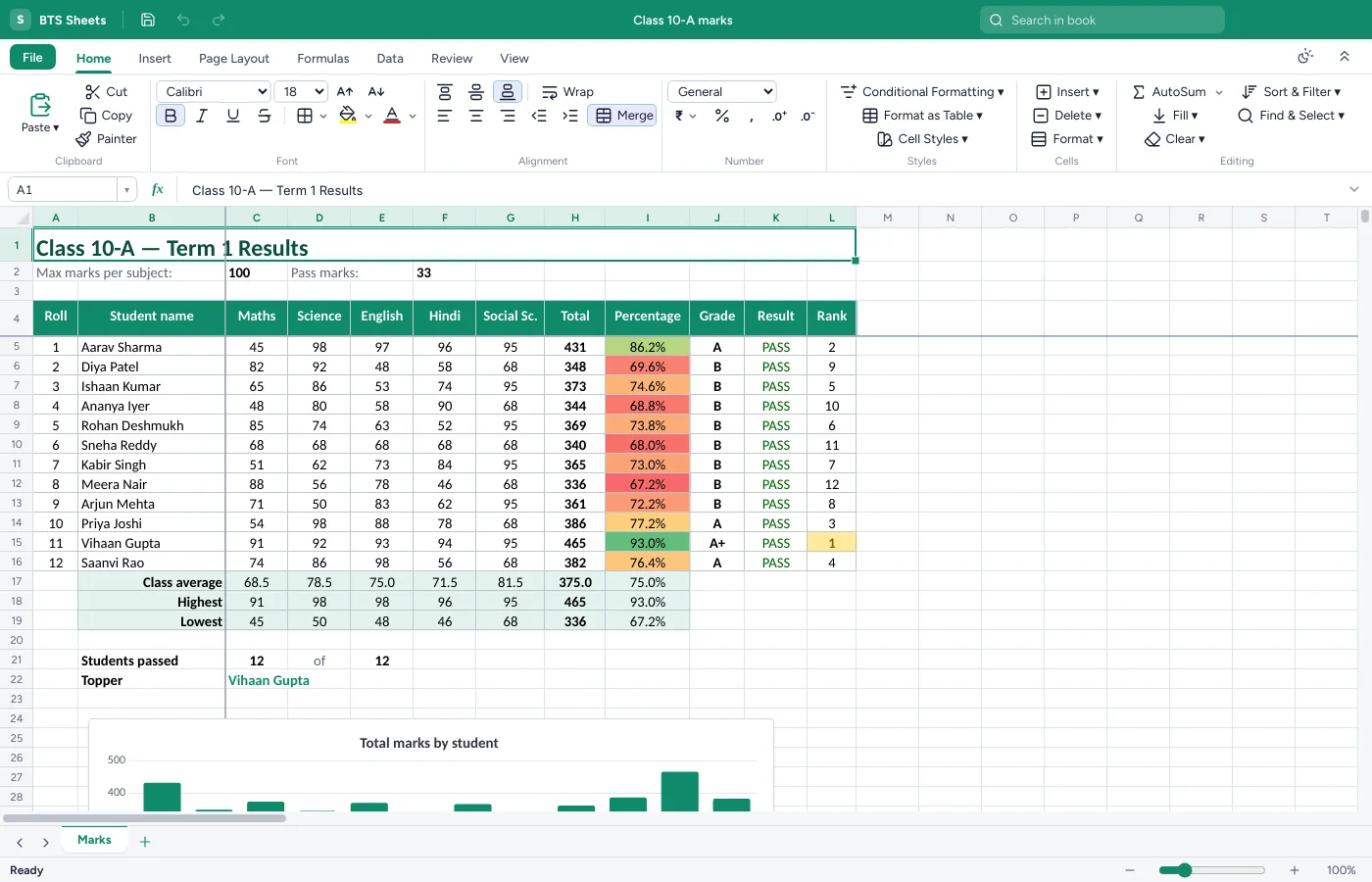
BTS Sheets

Marks, budgets, attendance and lab data, with formulas that just work.

  • Over 400 formulas: SUM, IF, VLOOKUP, XLOOKUP, COUNTIF and more
  • Charts, conditional formatting, sort, filter and freeze panes
  • Rupee currency formats, data validation and multiple sheets
  • Opens .xlsx, .xls, .ods and .csv; saves .xlsx, .csv and PDF
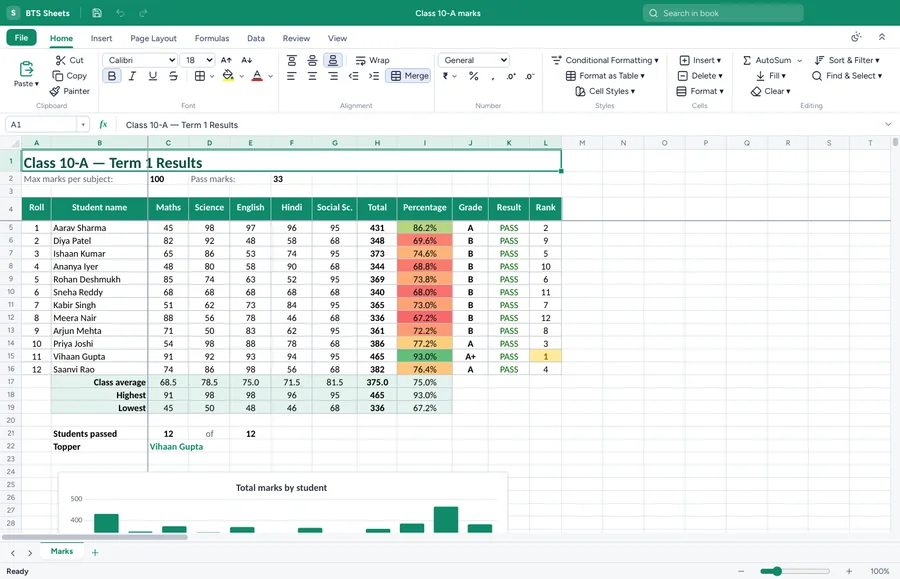
BTS Sheets showing a class marks sheet with grades and a chart
P

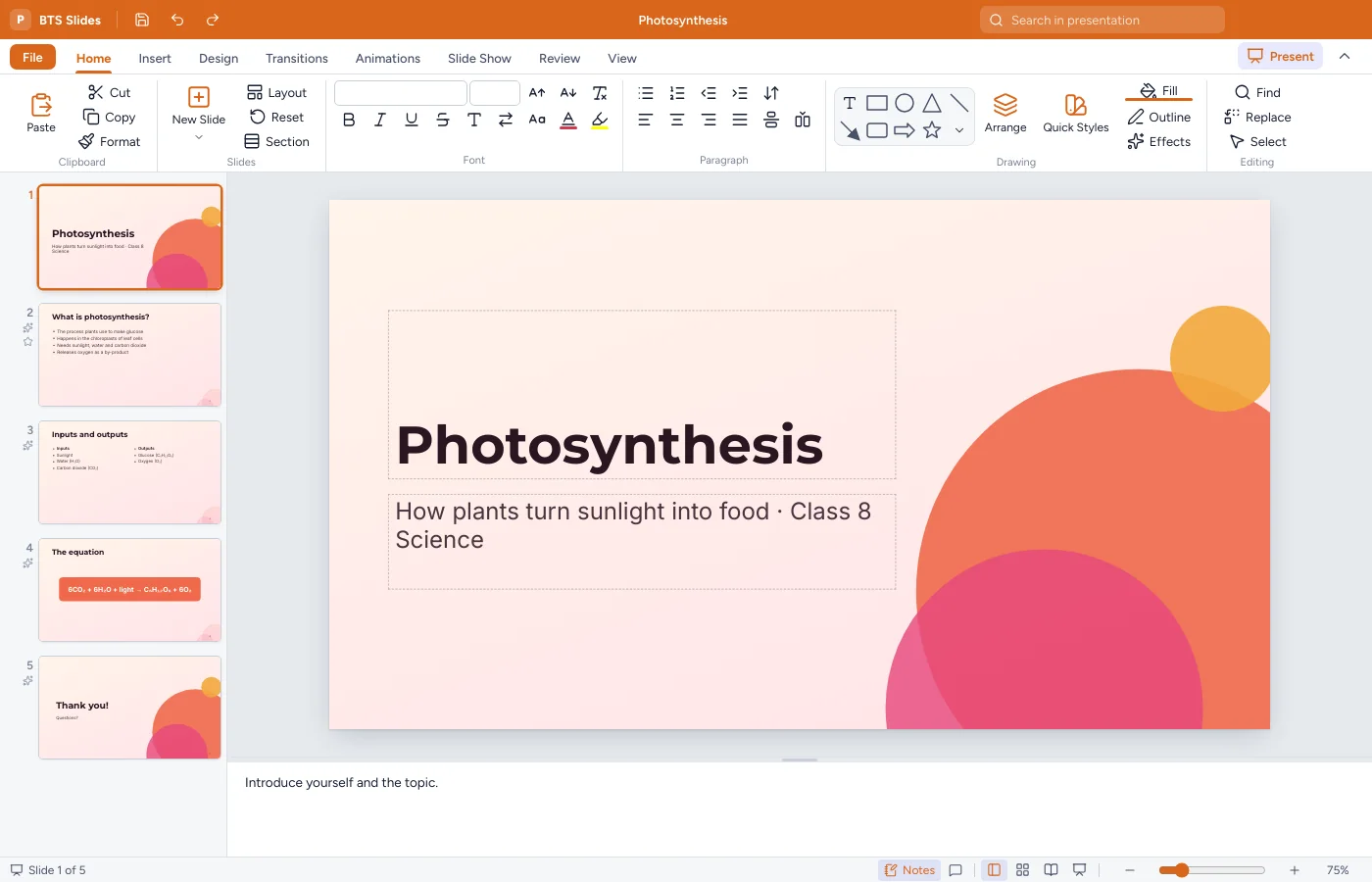
BTS Slides

Presentations for class, seminars and project reviews.

  • 11 themes, layouts, shapes, icons, tables and charts
  • Transitions and animations, plus a full-screen slide show with a pen and laser pointer
  • Speaker notes and a slide sorter view
  • Opens and saves .pptx; exports PDF handouts
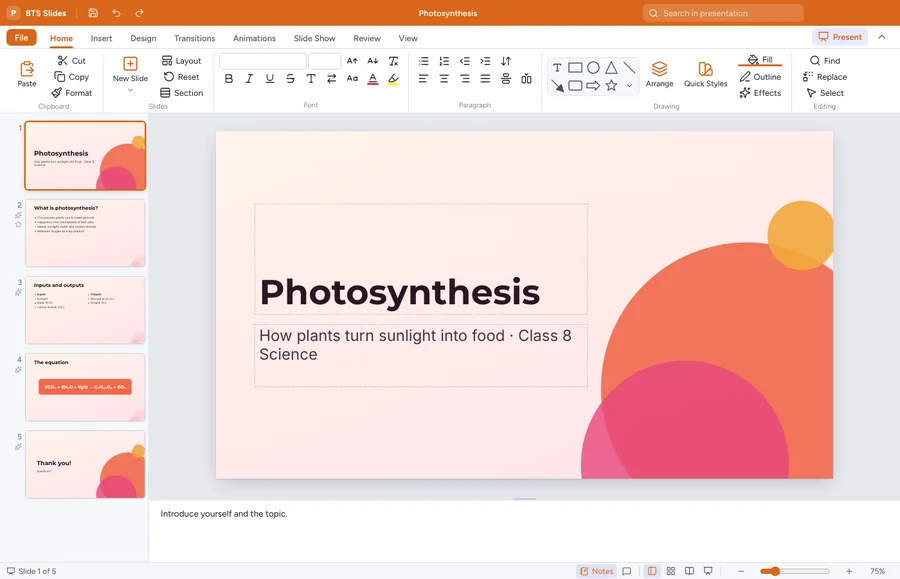
BTS Slides editing a presentation about photosynthesis
R

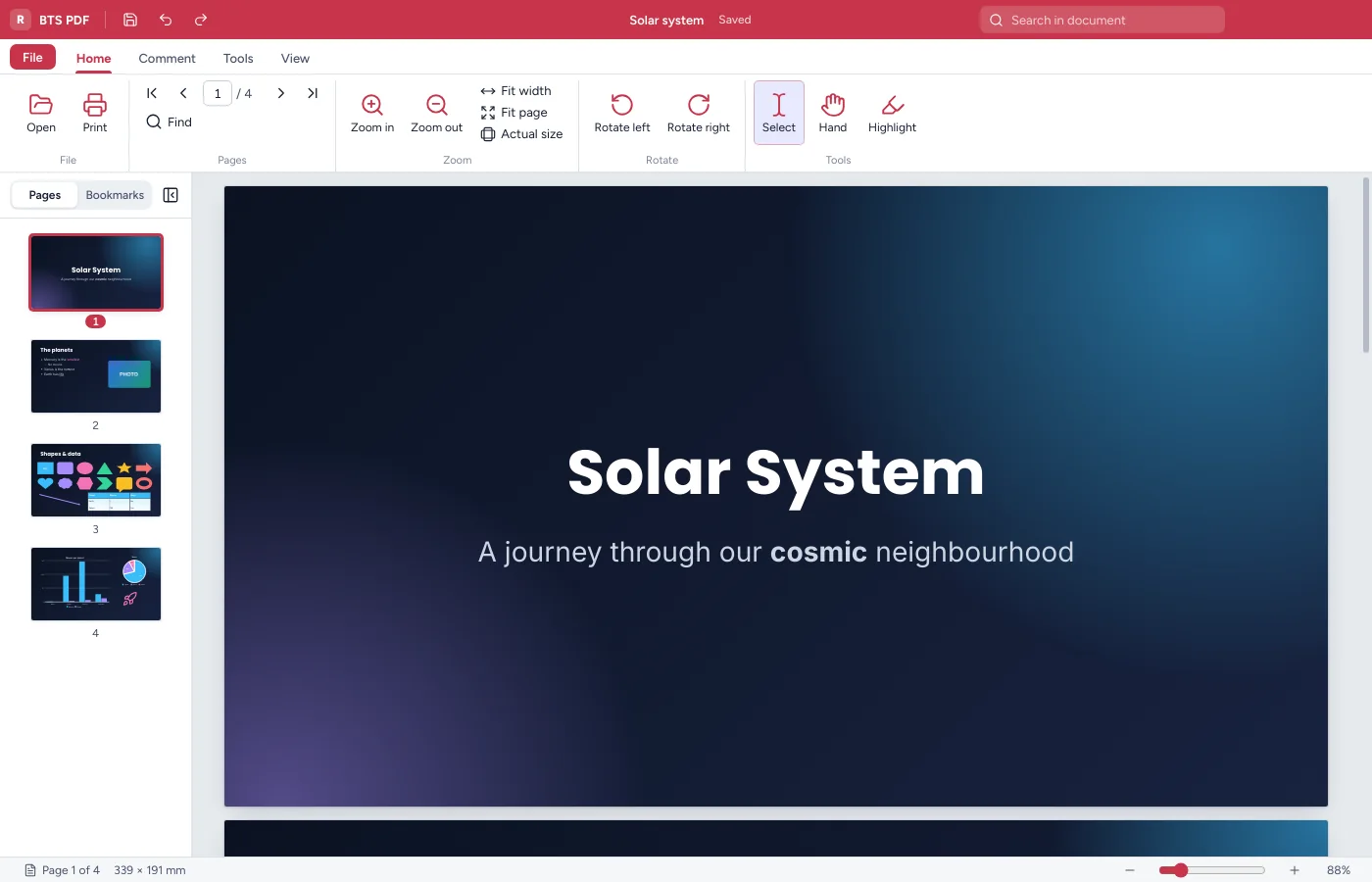
BTS PDF

Read notes and question papers, and mark them up.

  • Fast scrolling, page thumbnails, bookmarks and search
  • Highlight, underline, draw, and add sticky notes and text
  • Save a copy with your notes inside the PDF
  • Print, rotate, combine files and extract pages
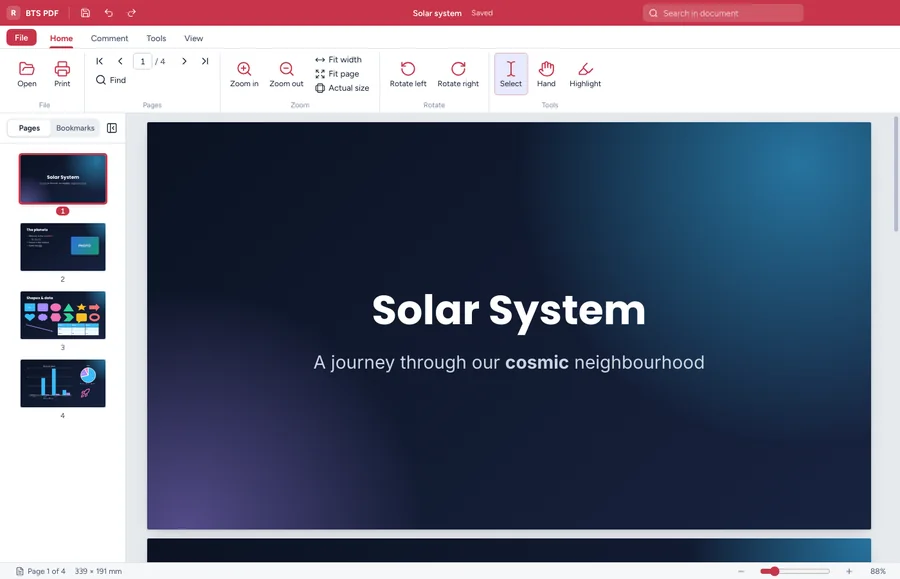
BTS PDF showing a document with page thumbnails

Always up to date, never in the way

When we publish a new version, BTS Office downloads it quietly while you work. It installs the next time you close the app, or straight away if you choose Restart now. If you have unsaved work, it asks you to save first.

  • Checks automaticallyA few seconds after you open it, and every few hours after that.
  • Verified before installingEvery download is checked against its SHA-512 fingerprint. A damaged file is thrown away.
  • Lab-friendlyComputer labs can turn automatic updates off, or point every PC at their own mirror.

What’s new

Loading release notes…

Free and open source

BTS Office is released under the GNU General Public License v3. Anyone can use it, share it with classmates, read the code and improve it. Colleges and students are welcome to report bugs and send improvements on GitHub.

Documents
.docx .odt .txt .md .html
Spreadsheets
.xlsx .xls .ods .csv
Presentations
.pptx
PDF
.pdf, and export from every app
Developer
Bhoomiputra Tech Solutions Private Limited

Help

Windows says “Windows protected your PC”. Is it safe?

Windows shows this for new apps that aren’t yet code-signed. Click More info, then Run anyway. You only need to do this once. If you want to check the file, its SHA-512 fingerprint is listed in updates/latest.yml.

Will it open the Word, Excel and PowerPoint files my college sends?

Yes. BTS Office opens and saves .docx, .xlsx and .pptx. Most files look the same; very complex layouts, macros and some advanced features may look slightly different.

Is it really free?

Yes, for everyone, forever. There are no ads, no account and no paid version. It’s open source, so it will stay free.

Do I need the internet?

Only to download it and to receive updates. Everything else works offline, and your files stay on your computer.

How do I update?

You don’t need to do anything. BTS Office updates itself. To check right away, open any app and go to File > Options & about > Check for updates.

We run a computer lab. Can we control updates?

Yes. Untick Download and install updates automatically in File > Options & about, or add "autoUpdate": false to %APPDATA%\BTS Office\settings.json on each PC. To serve updates from your own server, add "updateUrl": "https://your-server/bts-office/" and copy our updates folder there.

Which computers does it run on?

Windows 10 and Windows 11, 64-bit, with at least 4 GB of RAM and 500 MB of free disk space.